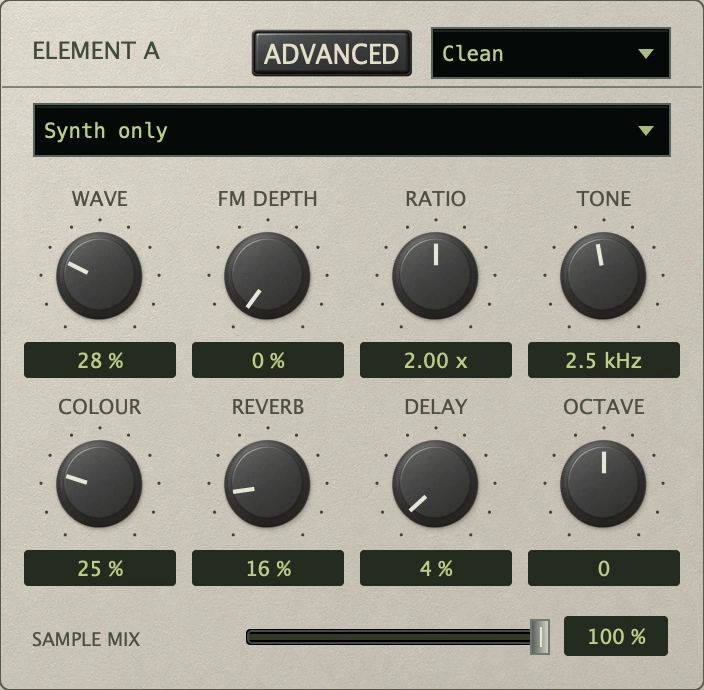
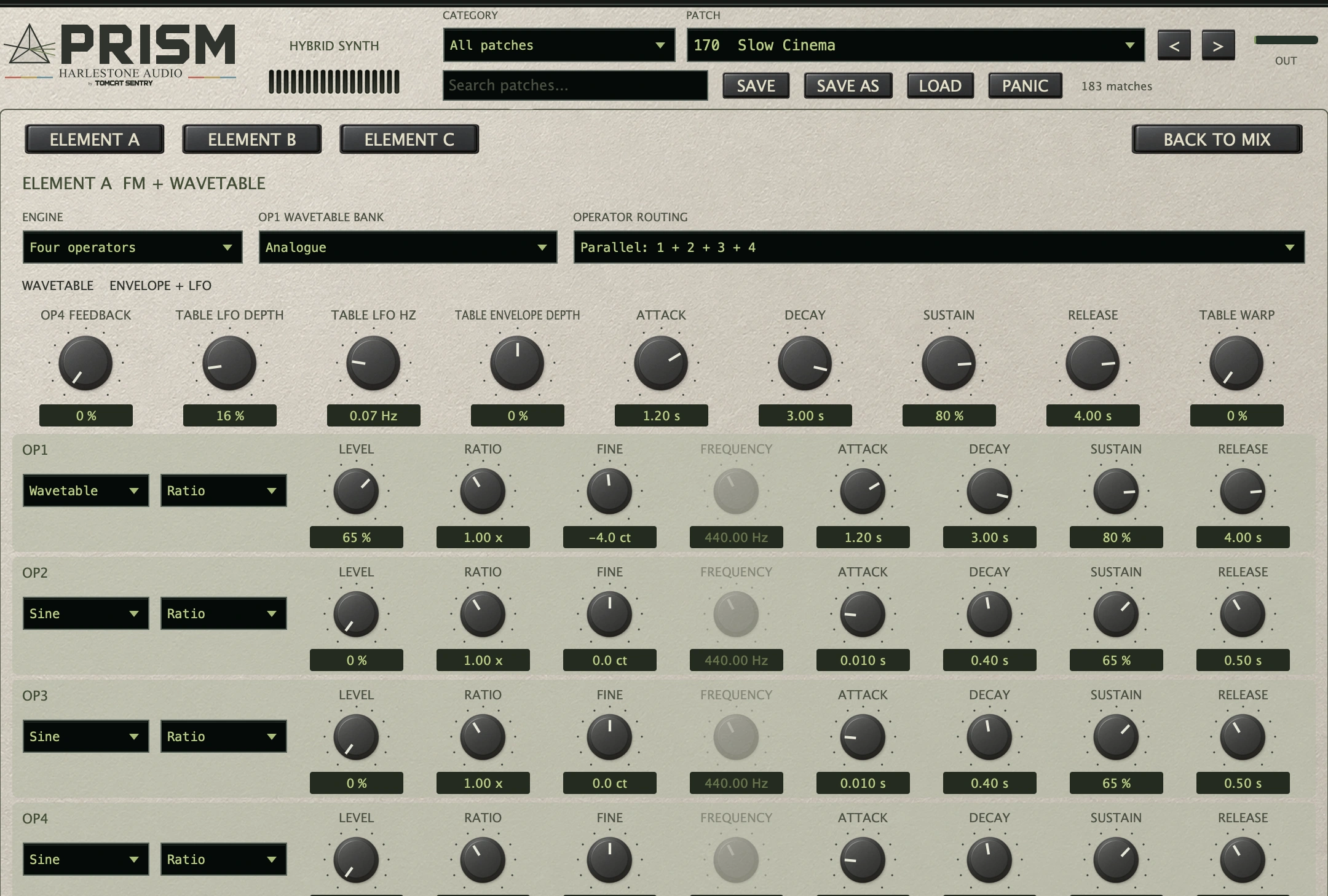
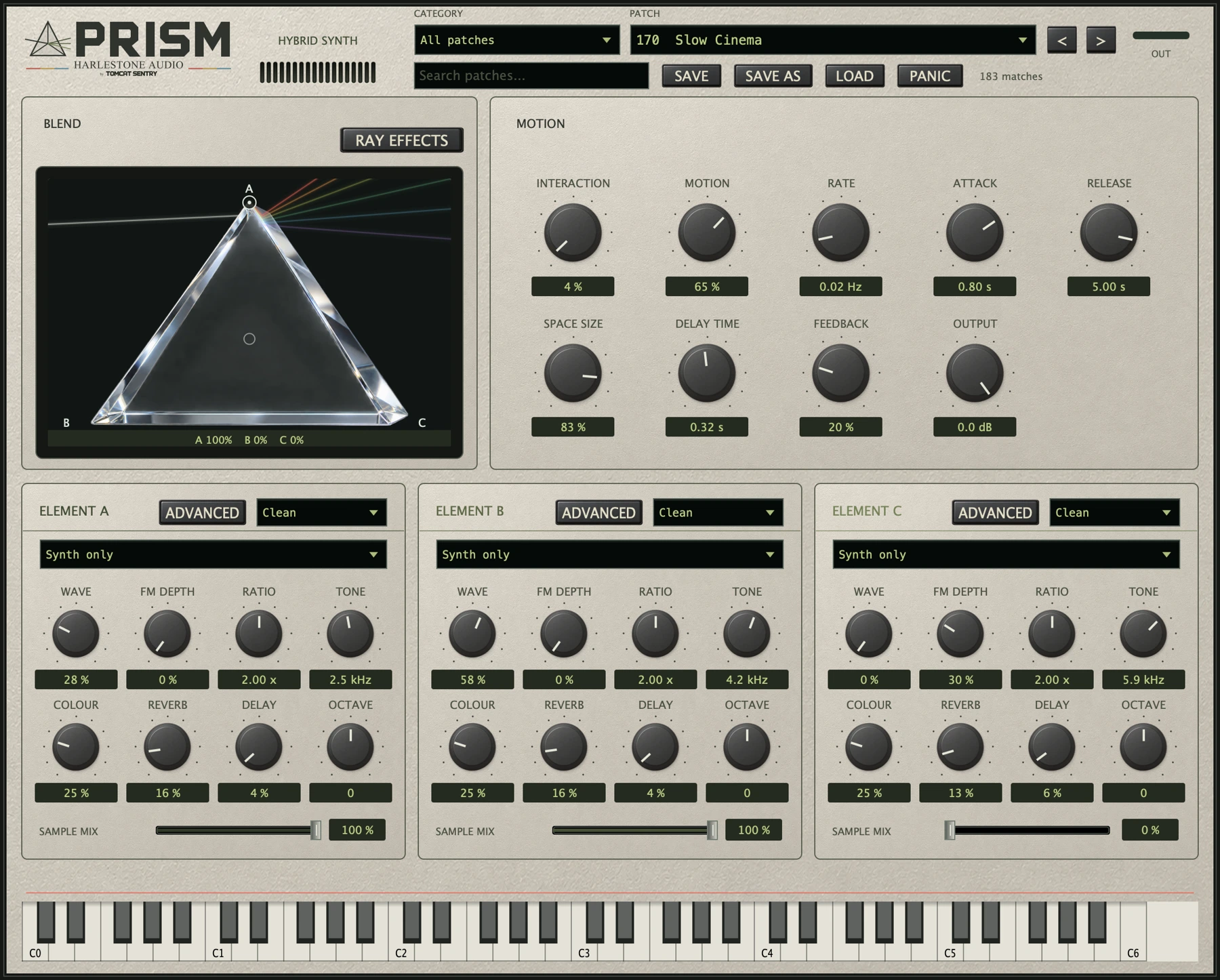
Advanced opens the wavetable and four-operator FM editor for that element. Choose a wavetable bank and operator routing, then set levels, tuning and envelopes.
Wavetable scanning changes the tone within the element. This is separate from Motion, which changes the balance between all three elements.
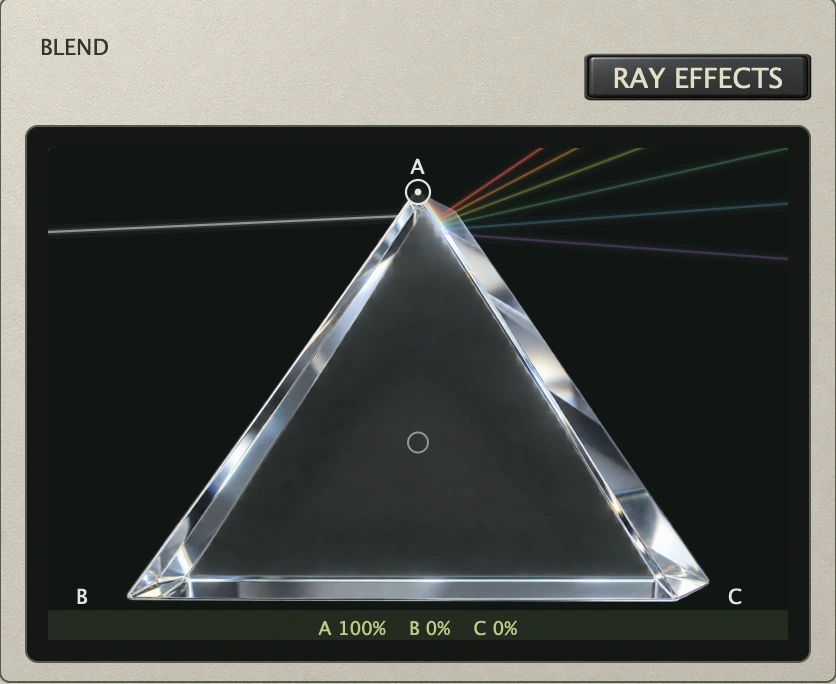
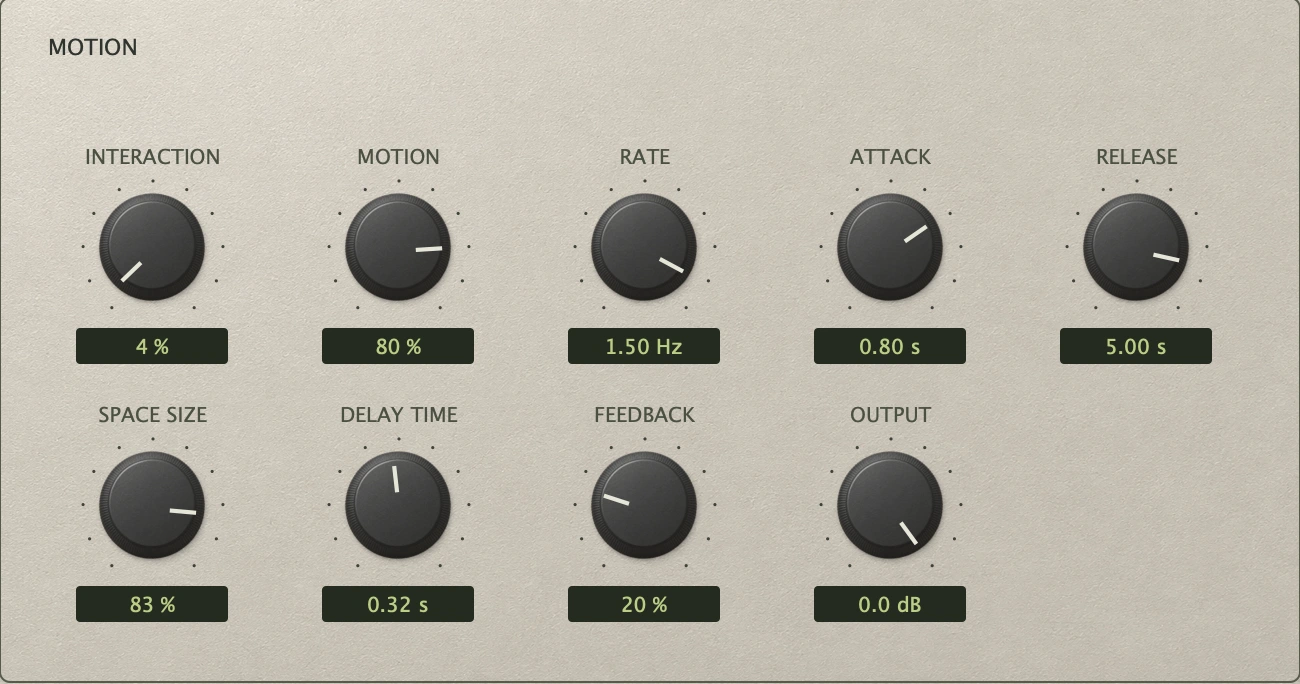
Motion moves through the blend while you play. Its amount sets how far the balance travels; Rate sets how quickly it moves.
A held chord can change colour as different elements come forward. Attack and Release shape the overall envelope, while the shared reverb and delay add space.
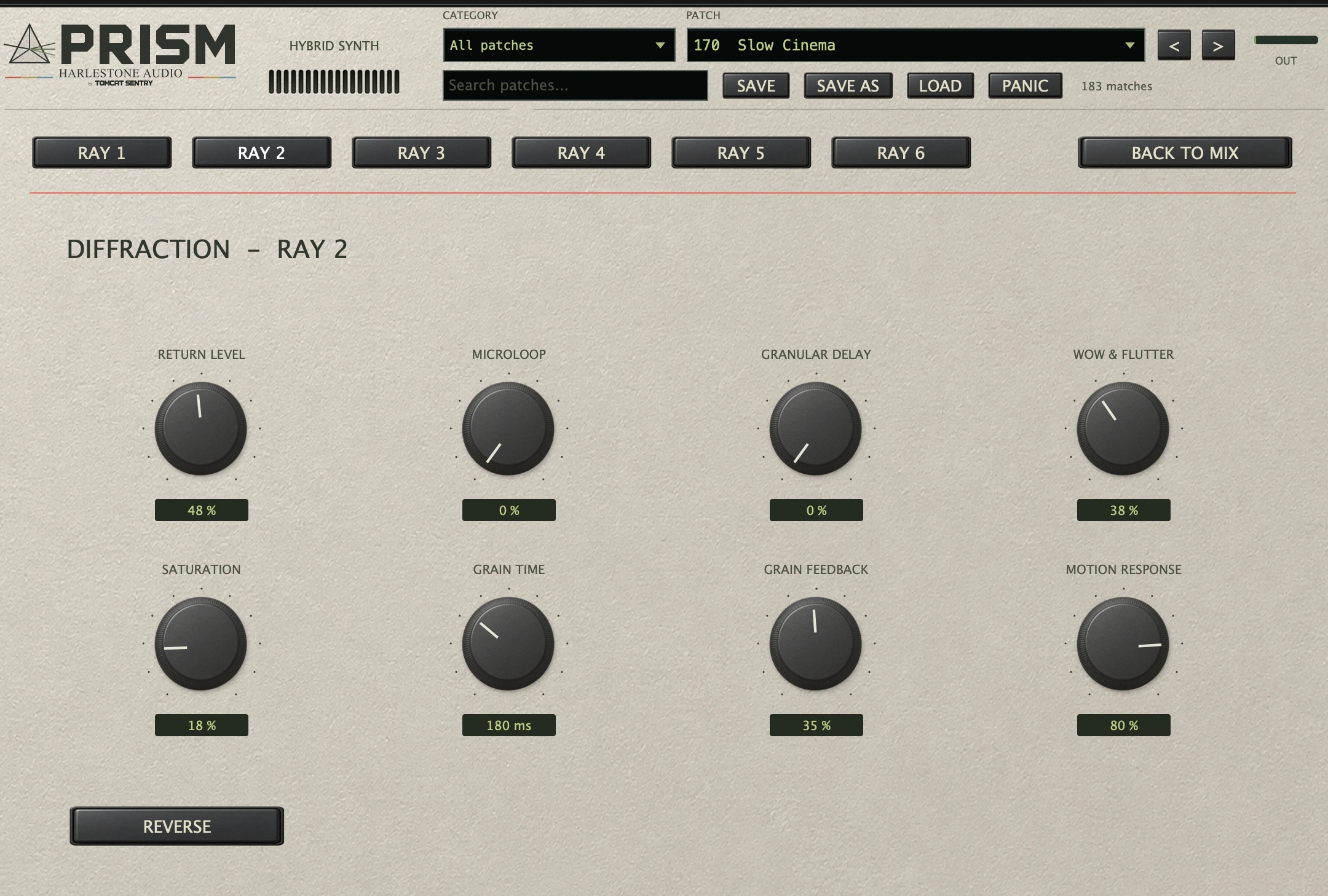
Open Ray Effects and select a ray. Set its return level, microloops, granular delay, wow & flutter and saturation. Reverse changes the direction of loops and grains.
Motion Response sets how closely the return follows movement: 100% responds to movement; 0% keeps processing active at a fixed position. The six returns sit alongside the original sound.
Two recordings from the instrument, with room for the patches to develop.
KEYS & ENSEMBLE
Night Ensemble & Rosewood Xylo
Two factory sounds in one performance.
CINEMATIC HORROR
Tension. Texture. Space.
A selection from the Cinematic Horror collection.
HEAR THE DIFFERENCE
Same notes. Different movement.
Switch at the same point in the performance. Both versions are rendered in Prism, with playback levels matched and no external effects.
01 · SLOW CINEMA
Let the blend travel.
Three sustained chords. Motion moves through the elements while all ray returns remain off.
Static blend selected
02 · PAPER LANTERNS
Turn fragments backwards.
A played arpeggio becomes the feed for reversed microloops and granular echoes. Motion is active in both versions.
Rays off selected
03 · ASPHALT PULSE
Add a moving edge.
A bass pattern with grain repeats, tape movement and saturation on the six returns. Motion is active in both versions.
Rays off selected
Native engine renders with demonstration settings. These examples are not the unedited factory presets.
THE INSTRUMENT
Direct control. Room to go deeper.
Three elements
Recorded sources, wavetable banks and four-operator FM. Separate envelopes and routing for each element.
Six ray returns
Set microloops, granular delay, wow & flutter, saturation and reverse independently. Motion Response controls how strongly each return follows movement.
181 factory patches
Keys, basses, leads, pads and cinematic textures, including 24 Refractions patches.
Planned for macOS as an Audio Unit instrument and a standalone app. The Audio Unit requires a compatible DAW or host; the standalone app runs without a DAW.